
community
Rating a signal and reviewing a provider
Sigrah has two separate rating surfaces: a star rating plus a comment on a signal's detail page, and a four-dimension review form on a provider's page. Both need subscriber level 2, each allows one submission, and neither is visible or counted until an admin approves it.
Sigrah has two separate places to leave a rating: a star rating with a short comment on a signal's detail page, and a fuller form with four star rows on a provider's page. Both are subscriber-only, each allows exactly one submission, and neither appears anywhere or moves a provider's numbers until an admin approves it.
- A logged-in subscriber account with status ACTIVE
- Effective level 2 or higher (your base level or an active level boost both count)
- For signal ratings: access to that signal, either from the public feed or a VIP channel you are subscribed to
- For provider reviews: an active follow of a provider that is visible in the marketplace and approved for the leaderboard
- You cannot rate your own provider account
Open the signal you actually traded
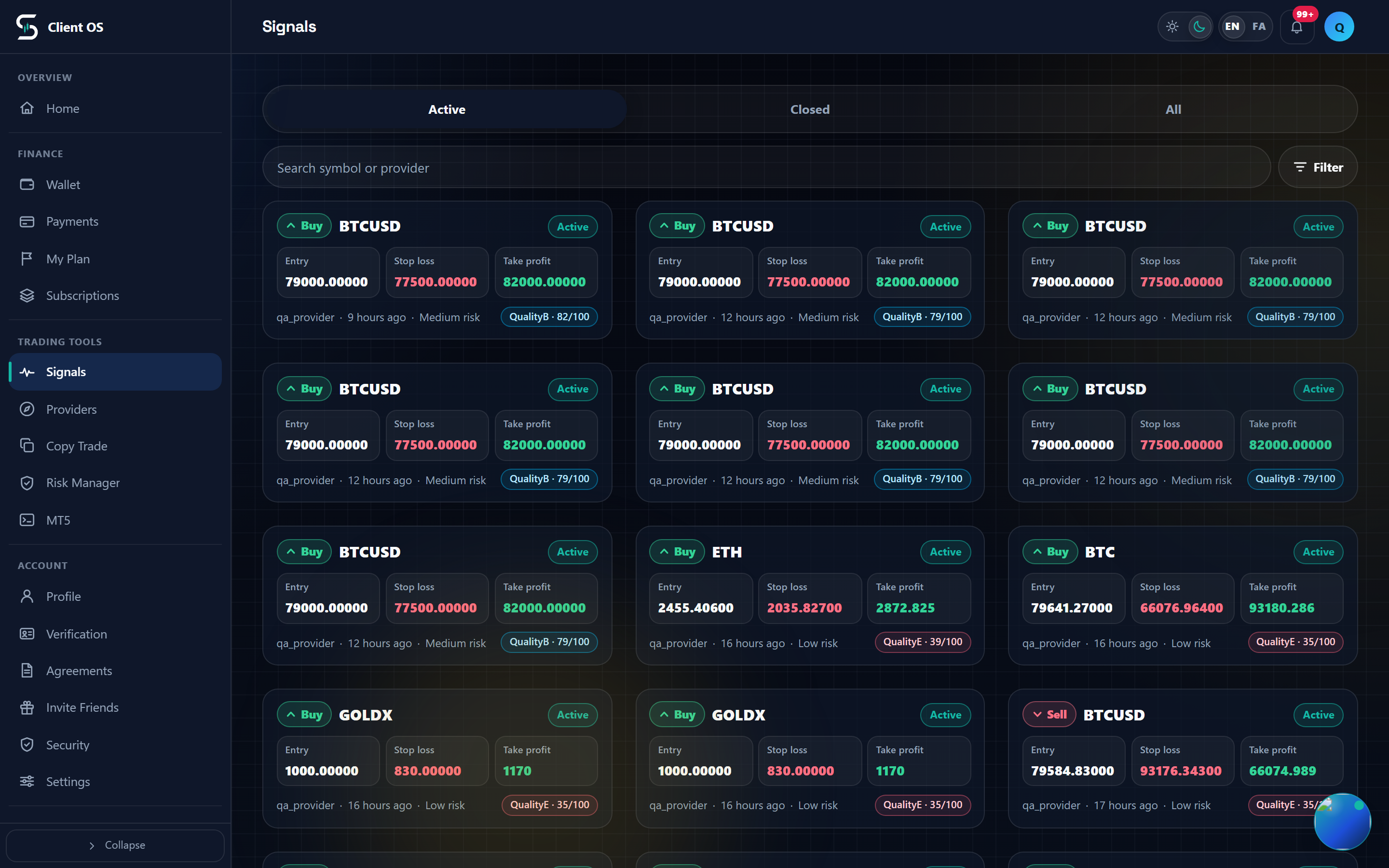
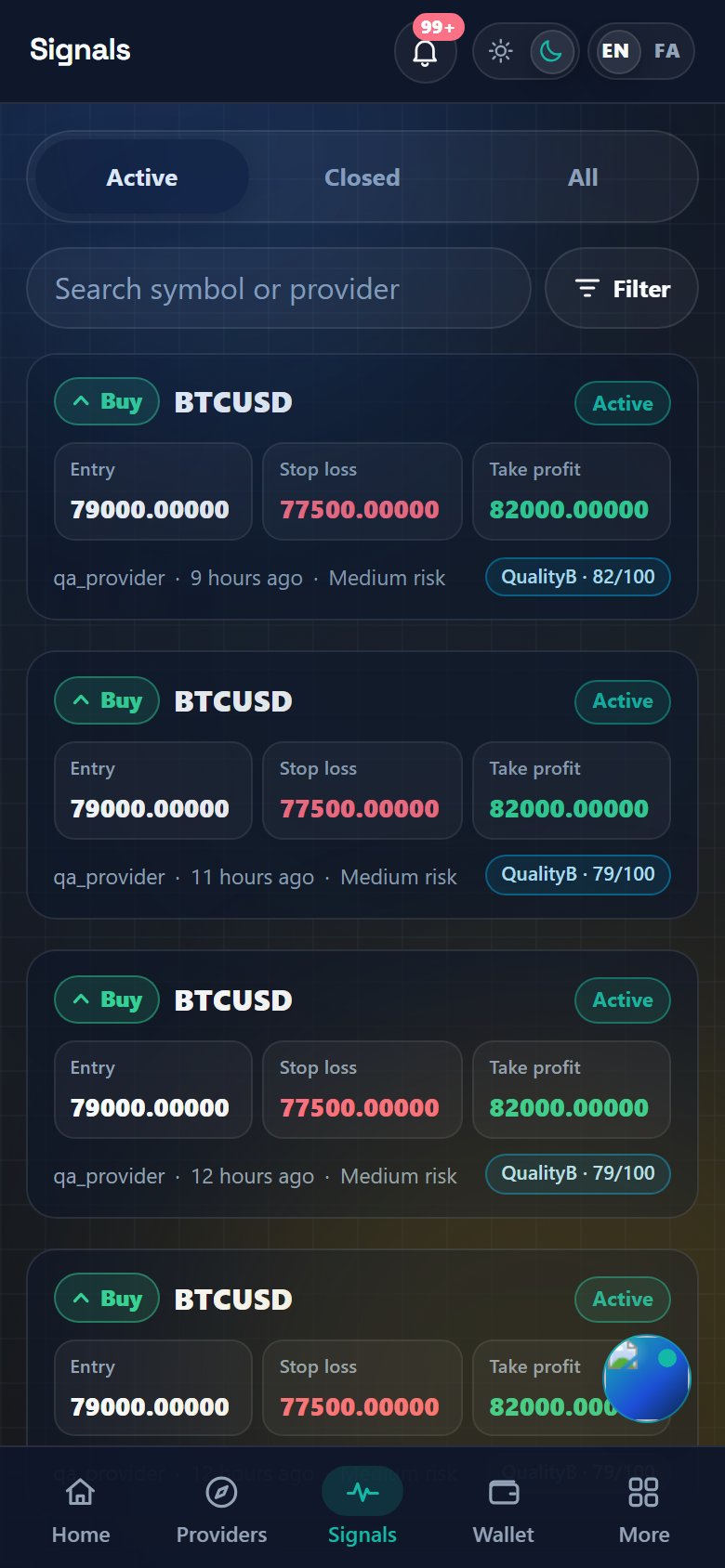
From Signals in the side menu, tap the signal card to open its detail page. Scroll past the trade levels and the lifecycle timeline to the Signal comments card, which lists the approved comments other subscribers left on this signal. The Signal rating card sits directly below it. If your access to that signal has lapsed, for example because a VIP period ended, the rating is refused even though you saw the signal earlier.
Set the stars and write what happened
Under Share execution feedback for this signal, set the Rating stars from 1 to 5 (they work with the arrow keys too), then fill the Comment box. The hint under the box states the requirement: Write at least 20 characters about your actual experience. The ceiling is 1000 characters. This form collects only the overall rating and the comment; there are no sub-ratings here.
Submit it, once per signal
Press Save rating. You get the message Signal rating saved., and the card switches to Your rating with your own number. A second attempt on the same signal is refused, and the form is replaced by: You already rated this signal. Each subscriber can rate a signal once. If your level is below 2 the form never renders at all; you see Signal rating is available for subscriber Level 2 and higher. instead.
To review a provider, follow them first
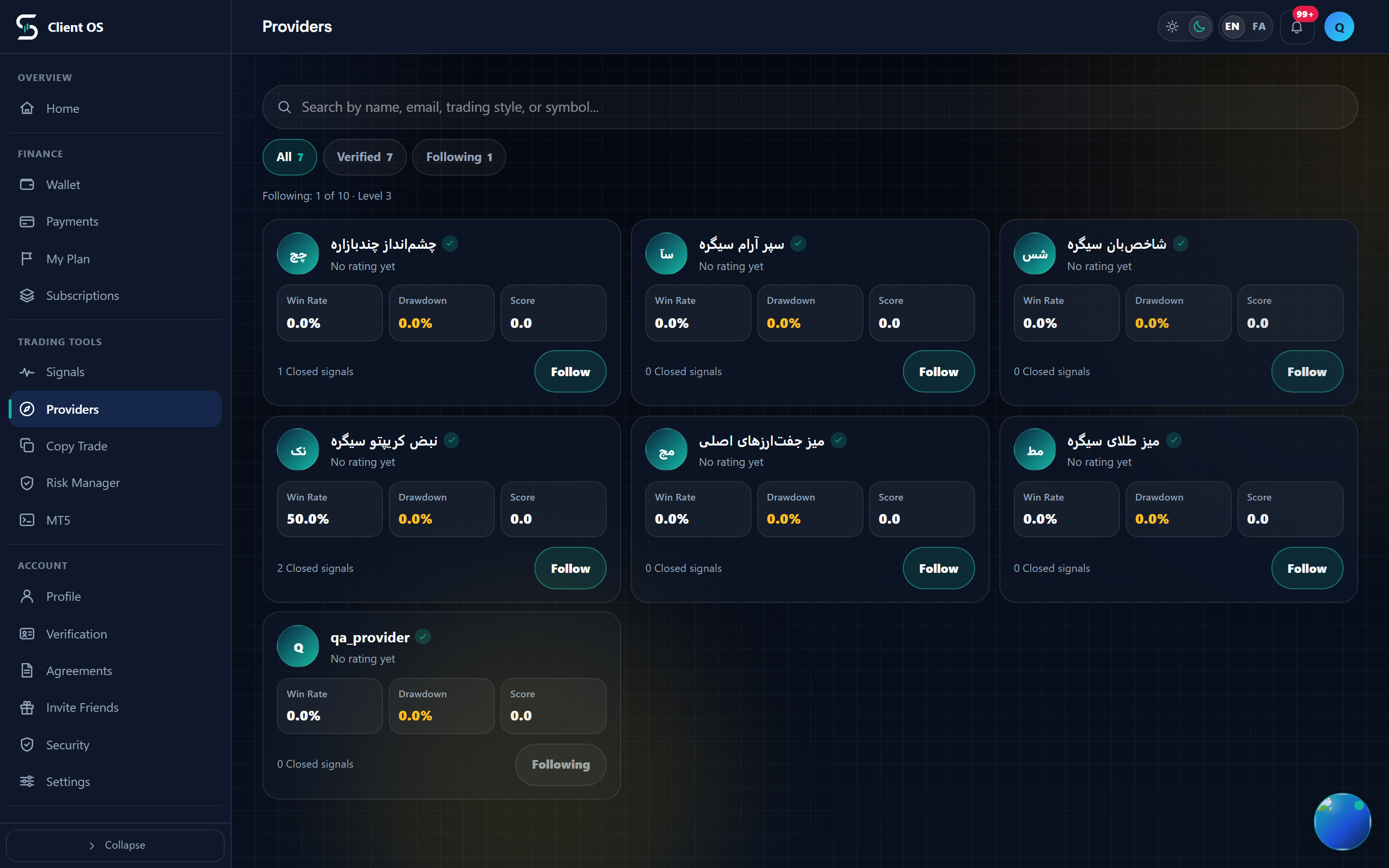
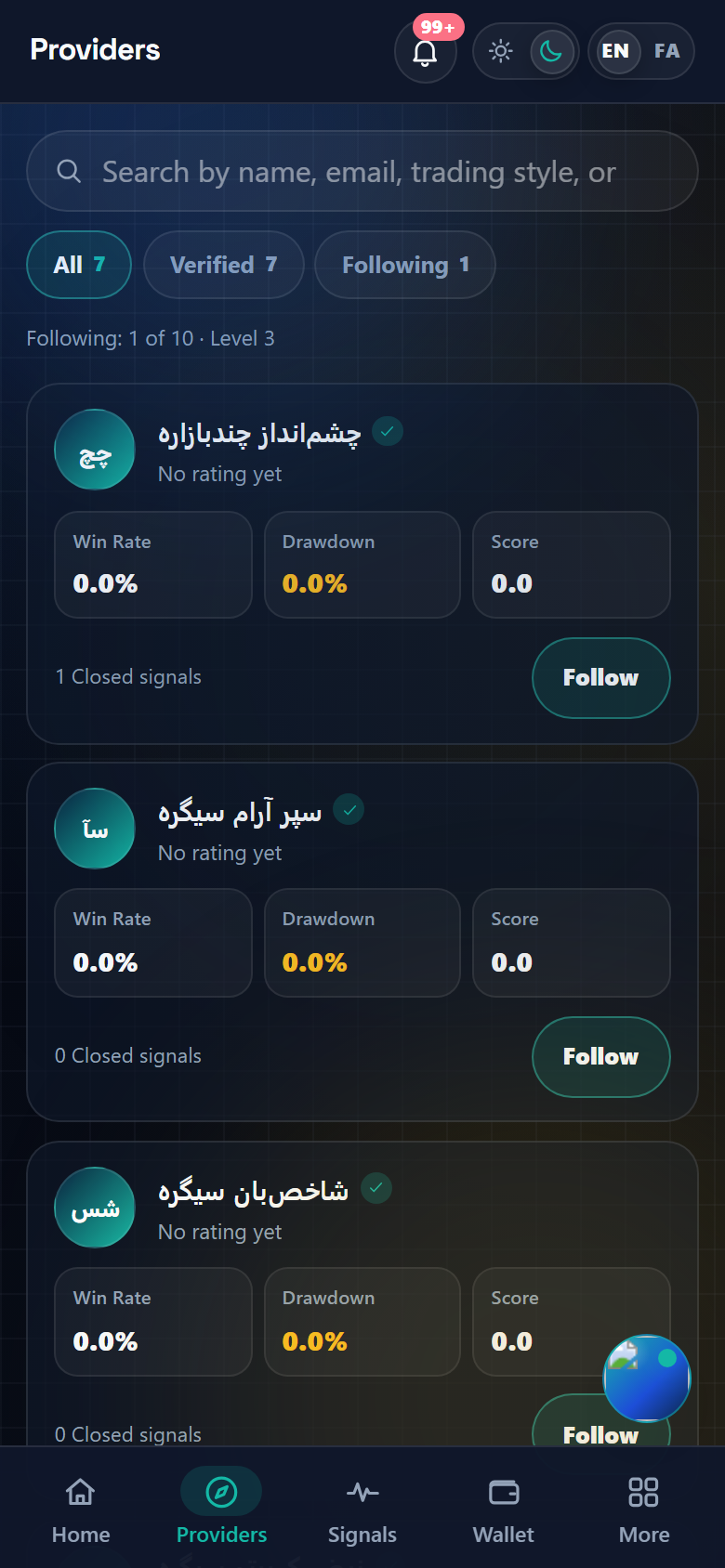
Go to Providers and open the provider's card. Reviewing only unlocks for subscribers who are actively following that provider, so press Follow provider if you have not already; the button then reads Unfollow. Higher up the page, Approved subscriber reviews shows what has already passed moderation, and All reviews opens the rest.
Open the form and score the four dimensions
Scroll to Subscriber rating and review. The form is collapsed by default, so at first you only get a one-line status: either You can review this provider. Submitted reviews go to admin moderation before publication. or the reason it is closed: Follow this provider before rating., Rating is available to level 2+ subscribers., or You have already rated this provider. Press Rate provider to open the form. Four star rows appear: Overall rating, Strategy clarity, Risk discipline and Signal timing, each 1 to 5 and each preset to 5. Only Overall rating feeds the provider's public average; the other three are stored alongside your review as detail.
Write the review and submit
Review title is optional. Review comment is required and, like the signal form, must be between 20 and 1000 characters. Leave I would recommend this provider ticked or untick it, then press Submit review. Review submitted and queued for admin moderation. means it is in; Review submission failed. means nothing was stored and you can send it again.
What happens after you submit
Every rating is stored as pending, or as flagged when one of the automatic checks fires, until an admin approves, rejects, flags or hides it. Until then your review is invisible to everyone, including you; the provider page simply reports that you have already rated. Once approved, it appears in Approved subscriber reviews or Signal comments and is counted into the provider's rating average and review count at the same moment.