
billing
Withdrawing from the main wallet and the referral wallet
Every Sigrah withdrawal starts on the Wallet page with the Withdraw button, and payouts are USDT on TRC20, BEP20 or ERC20 only. This guide covers the prerequisites, the limits that actually apply, and where to follow the request afterwards.
Every withdrawal in Sigrah starts on one page: Wallet. Payouts are crypto only: USDT on TRC20, BEP20 or ERC20. There is no bank, IBAN or Rial withdrawal anywhere in the product. The same button covers the "Main wallet", the "Referral wallet" and, on provider accounts, "Provider earnings". No fee is deducted from a main-wallet or referral withdrawal.
Before you start
For the main wallet (and provider earnings), the server in production requires two-factor login and will not accept the request until it is on. Turn it on from Security, in the "Two-factor login" section, with "Authenticator app", email or SMS; the "Withdrawal confirmation" preference lives on the same page. A referral-wallet withdrawal has no such check and goes through with two-factor off. For the main wallet the account also has to be active and not temporarily locked, and the wallet must not be frozen.
Open Wallet and check the available balance
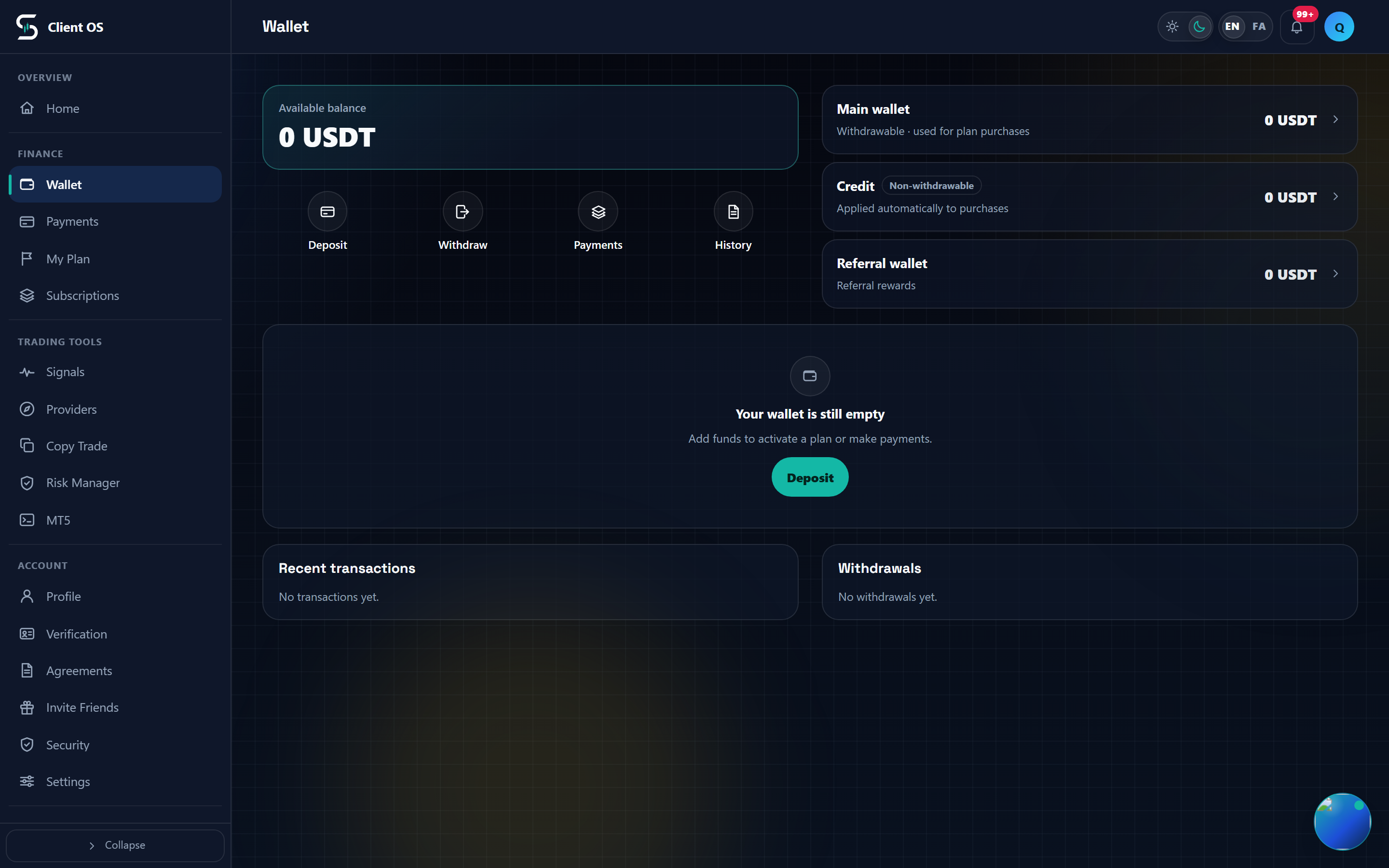
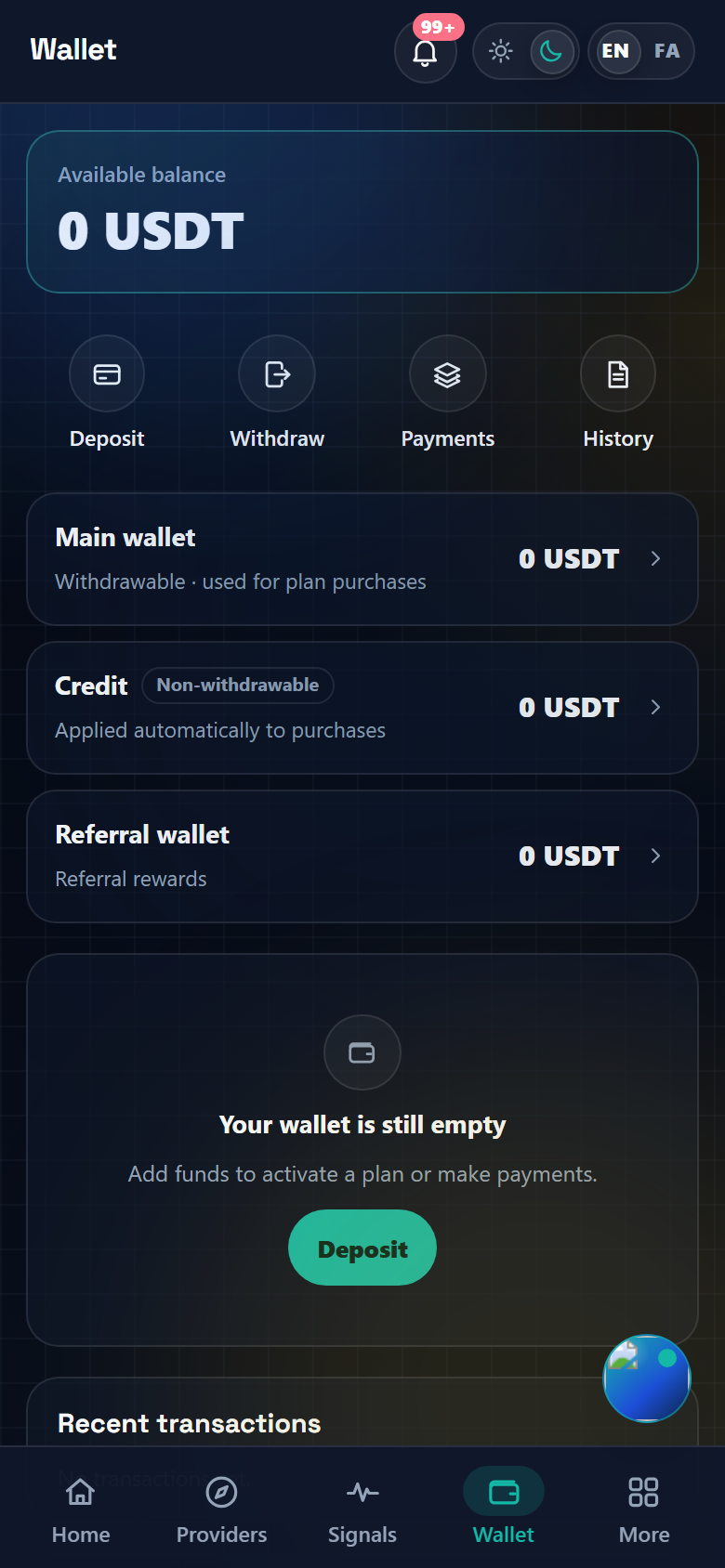
Open Wallet from the main navigation. The top card shows "Available balance", and that is the number a main-wallet withdrawal draws on. If part of it is committed you will see "Reserved" on the same line, and a frozen wallet adds a status pill after it. Note that "Withdraw" stays enabled in that case and the form still opens; the refusal only comes back from the server when you submit.
Pick the wallet you are withdrawing from
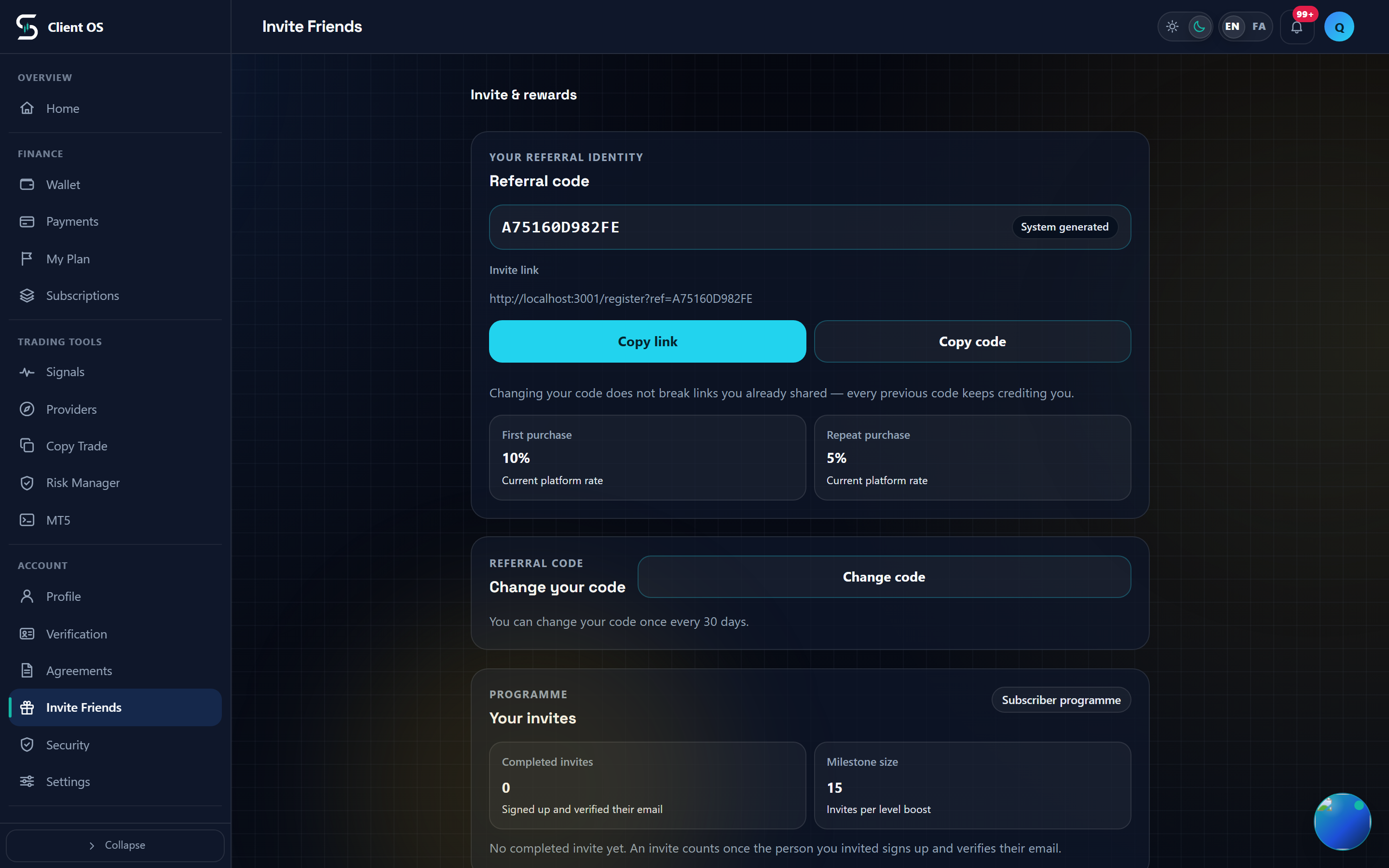
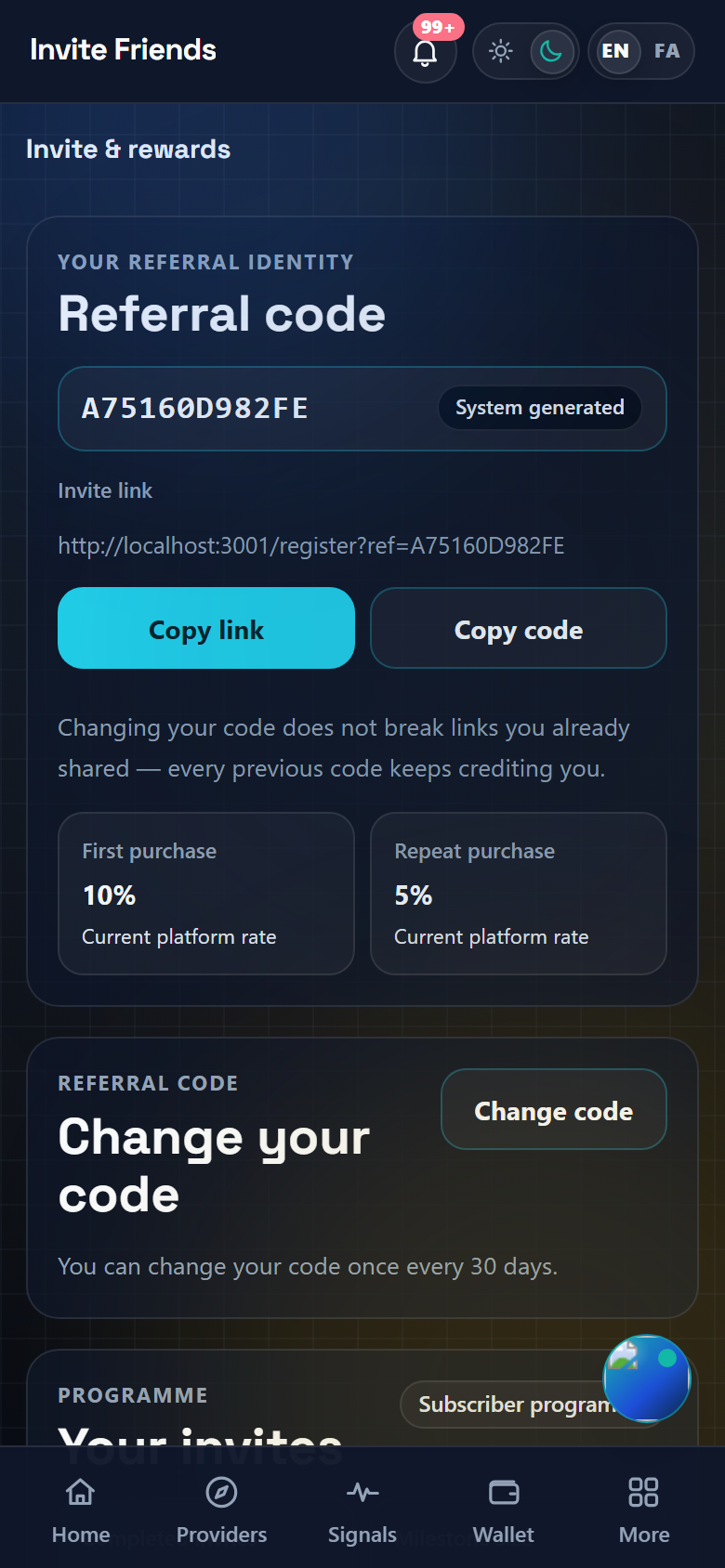
Press "Withdraw" and a sheet opens titled "Withdraw from which wallet?", listing each source with its own balance: "Main wallet" and "Referral wallet" for everyone, and "Provider earnings" only when the account role is provider. "Credit" is not on the list; it is "Non-withdrawable" and can only be spent on purchases. The referrals page has no form of its own either: it shows the referral rewards in four tiles, "Available", "Pending", "Total earned" and "Withdrawn", plus a "Withdraw in Wallet" link that takes you back to this wallet page, where you press "Withdraw".
Amount, network and destination address
The sheet title becomes "Withdrawal · wallet name". Type the figure into "Amount"; the unit is USDT, it takes at most 2 decimal places, and Persian digits are converted for you. The "Max" chip fills in your whole balance, and the hint under the field repeats "Available" and "Minimum". Under "Network" choose TRC20, BEP20 or ERC20, then paste the receiving address into "Destination address"; it must be between 10 and 255 characters. "Note (optional)", up to 500 characters, is shown for the main wallet and provider earnings only, and the referral form has no note field.
Submit the request
Press "Request withdrawal"; the button stays disabled until both the amount and the address are valid. On success the sheet closes and "Withdrawal request submitted." appears. On failure you get one sentence for every possible reason, "The withdrawal request could not be submitted. Try again.", so know them in advance: an amount under 10 USDT from either wallet; and for the main wallet, a single request of 5,000 USDT or more, today's non-rejected requests plus this one reaching the daily safety limit (counted on the UTC day; 5,000 USDT by default and configurable on the server, so in practice each request stays a little under 5,000 USDT), an already open request, not enough available balance, a frozen wallet or an inactive account. The referral wallet has neither the daily limit nor the one-open-request rule, so several referral requests can be open at once.
Track the result
Scroll down the same page to the "Withdrawals" section; the 3 most recent rows are shown and "View all" expands the list to 20. Each row carries the source wallet, the network, the date, the amount and a status pill. A main-wallet request opens as "Pending", an admin moves it to "Approved" and then to "Paid" once the transfer is sent with a transaction hash, or to "Rejected", which puts the reserved amount straight back into your balance. A referral request is created as "Under review" and stays there until finance handles it off-platform. While anything is open, the card "A withdrawal is under review" with a "View withdrawals" link also sits at the top of the page. No notification is sent when a main-wallet or referral withdrawal changes status, and no processing time is promised; review is manual, so check this list.